




When you buy refurbished laptops in bulk, the biggest risk is rarely the hardware itself. It is the gap between what you expect to receive and what your supplier considers acceptable.
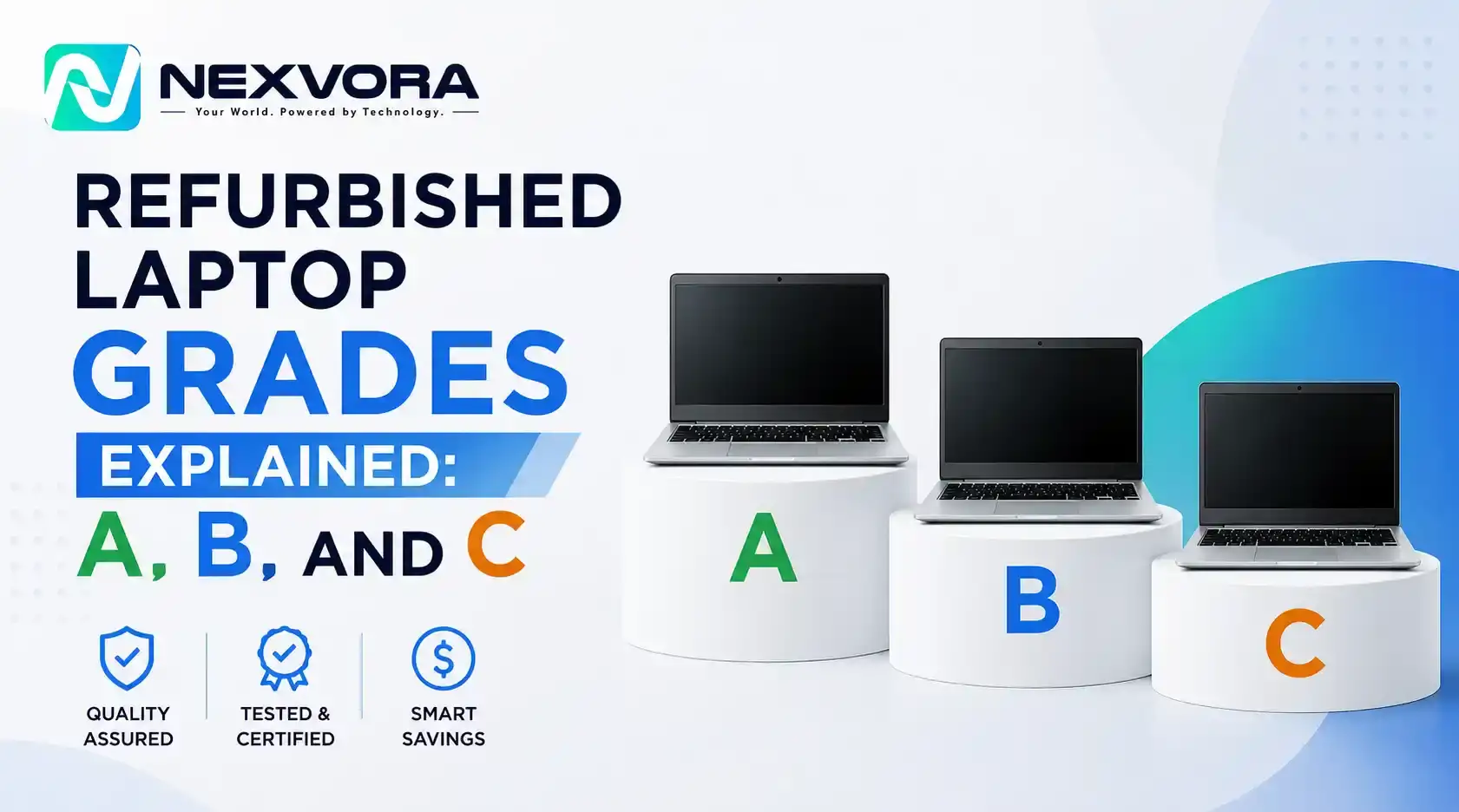
That is where refurbished laptop grades come in. Grade A means minimal signs of previous use. Grade C means heavy cosmetic wear, scratches, dents, visible damage. But here is the part most buyers learn the hard way: those labels are not standardized across the industry.
Two suppliers can both advertise Grade A laptops and mean completely different things. One allows light surface marks. Another ships only near-mint units. If you are buying in volume, that difference is not cosmetic, it affects your resale margins, your customer complaints, and your ability to price confidently.
The good news is that the risk is manageable. A clear understanding of what each grade covers, combined with the right questions before you order, puts you back in control.
| Grade | Cosmetic Condition | Typical Use Case | Relative Price |
|---|---|---|---|
| Grade A | Minimal wear, near-clean | Retail resale, corporate supply | Highest |
| Grade B | Visible scratches, scuffs | Budget business, students | Mid-range |
| Grade C | Heavy cosmetic wear | Parts, internal use, refurbishment | Lowest |
A refurbished laptop has been used, returned, repaired, or reconditioned. Its condition can vary considerably from one unit to the next. The grade gives you a quick read on that condition. It should not be treated as a complete quality guarantee.
Two suppliers may both advertise Grade A laptops. One defines it as near-mint. The other allows light scratches on the lid or small marks around the keyboard. For you, that difference has real consequences.
If you sell directly to customers, they expect the condition you advertised. If you supply offices or schools, inconsistent cosmetic condition makes a large shipment hard to deploy. If you list online, unexpected wear drives returns and damages your seller ratings.
A reliable laptop grading system helps you estimate what you are actually buying, not just the appearance, but whether units have been tested, repaired, cleaned, and checked for battery health and core functions.
Think of the grade as a starting point for due diligence, not a substitute for it.
Grade A is the highest cosmetic tier in a supplier's refurbished inventory. These units are the closest to new condition available, though they are still refurbished products and should not be treated as brand-new stock.
A Grade A laptop will typically show minimal signs of previous use. You can generally expect:
That said, Grade A units are not all identical. Ask your supplier how they define acceptable cosmetic wear, and whether light scratches are permitted under their Grade A standard.
Battery condition deserves particular attention. A laptop can look excellent while running on a heavily worn battery. If battery performance matters to your customers, and for most resellers it does, request the supplier's minimum battery health threshold rather than assuming the cosmetic grade covers it.
Grade A makes sense when appearance matters to the end buyer: retail resale, corporate client supply, online listings where product photography drives conversions, or any market where customers are paying a premium and expect it to show. The higher purchase price is usually justified when cleaner stock lets you charge more or reduces return rates.
If you are sourcing wholesale laptops for direct resale, Grade A is generally the safer starting point until you have a clear read on your customers' tolerance for cosmetic wear.
Grade B is where bulk buyers often find their best margins, if they know exactly what they are getting. The balance between purchase cost and resale potential can be strong here. But only when the supplier's Grade B definition is clear.
Grade B laptops show more visible evidence of previous use than Grade A. A visual inspection will reveal:
Despite the cosmetic wear, a Grade B laptop should still meet the supplier's functional testing requirements. Screen, keyboard, touchpad, ports, wireless connectivity, storage, and memory should all work as specified. Battery capacity on Grade B units may run at 70-80% depending on the supplier, confirm the minimum threshold in writing before ordering.
Do not rely on written descriptions alone. For bulk orders, request actual photographs or short video walkthroughs of Grade B stock from the specific lot you are considering.
Grade B works well when your customers prioritize performance and price over appearance: budget-friendly business laptops, student devices, cost-conscious SMBs, or buyers who understand what refurbished means. It also suits resellers who have technicians available to do additional cosmetic preparation before units go out.
The key is transparency. Customers who know in advance they are getting a scratched but fully functional machine are far less likely to leave a negative review than customers who expected something cleaner.
Grade C is the most visibly worn tier in standard refurbished inventory. That does not automatically mean the units are unusable, but it does mean you need to assess them more carefully before buying.
Functional condition varies significantly by supplier at this grade. Do not assume the Grade C label tells you anything about battery health, display condition, port integrity, hinge stability, or missing components. Those need to be specified separately.
Ask explicitly whether units with cracked screens, damaged hinges, missing parts, or major functional faults are excluded from the lot. If they are not, your actual refurbishment and repair costs could make the per-unit economics worse than they appear.
Grade C suits buyers with a specific low-cost strategy: sourcing laptops for parts, in-house refurbishment, internal use in environments where appearance does not matter, or markets where buyers expect heavily discounted hardware.
A low purchase price is not the same as a low total cost. Before committing, calculate your full landed cost including any repairs, replacement parts, additional labor, and quality sorting time. A cheap unit that needs a new battery, keyboard, and screen before it is sellable is not cheap.
This is where many bulk buyers get caught.
There is no universal industry standard requiring every supplier to define Grade A, B, and C the same way. One supplier's Grade A may allow noticeable scratches. Another reserves the label for units with almost no visible wear. The same variation exists across Grade B and Grade C.
That means a direct price comparison between two suppliers based only on the grade is not a fair comparison. Supplier X might quote Grade A laptops cheaper than Supplier Y. But if Supplier X allows heavier cosmetic wear, sets a lower battery health threshold, or runs fewer functional checks, the lower price may not reflect equivalent product quality.
Before comparing prices, request a written grading specification from each supplier. It should cover:
Once you have those details, you are comparing like with like.
Turn vague promises into measurable requirements before you commit. These are the questions worth asking upfront:
For large orders, a pre-shipment inspection where a third party or your own representative checks units before they leave the supplier's warehouse is worth the cost. It is almost always cheaper than dealing with a full shipment of inconsistent stock after it arrives.
The best refurbished IT equipment for your business is not always the cheapest per unit. It is the stock that arrives in the condition you expected, sells at the margin you planned, and generates the fewest complaints from your customers.
A clear laptop grading system gives you the foundation to make that call. When you know exactly what A, B, and C mean at your supplier, you can choose inventory that fits your market, compare quotes fairly, and negotiate from a position of information rather than assumption.
Browse our used laptop inventory or request a bulk quote, and we will confirm the grade specifications in writing before you commit.
Windows 10 support ended on October 14, 2025, and many businesses are now refreshing their fleets
READ FULLNobody can give you one reliable number, and anyone who does is guessing. How long a refurbished
READ FULLRefurbished laptops need to be wiped with met
READ FULL

Have a question or need a quote? Fill out this form and our team will get back to you quickly!